

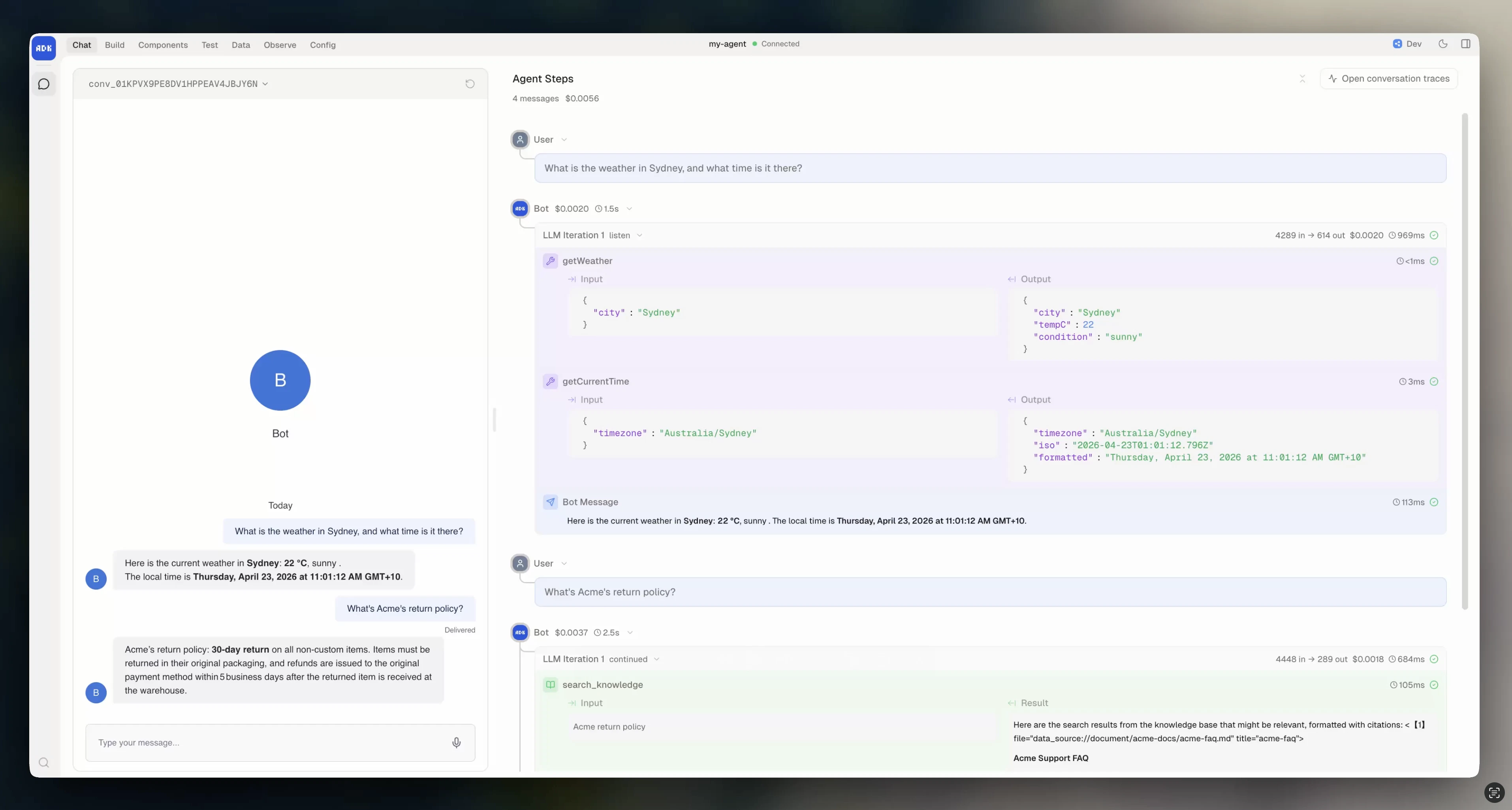
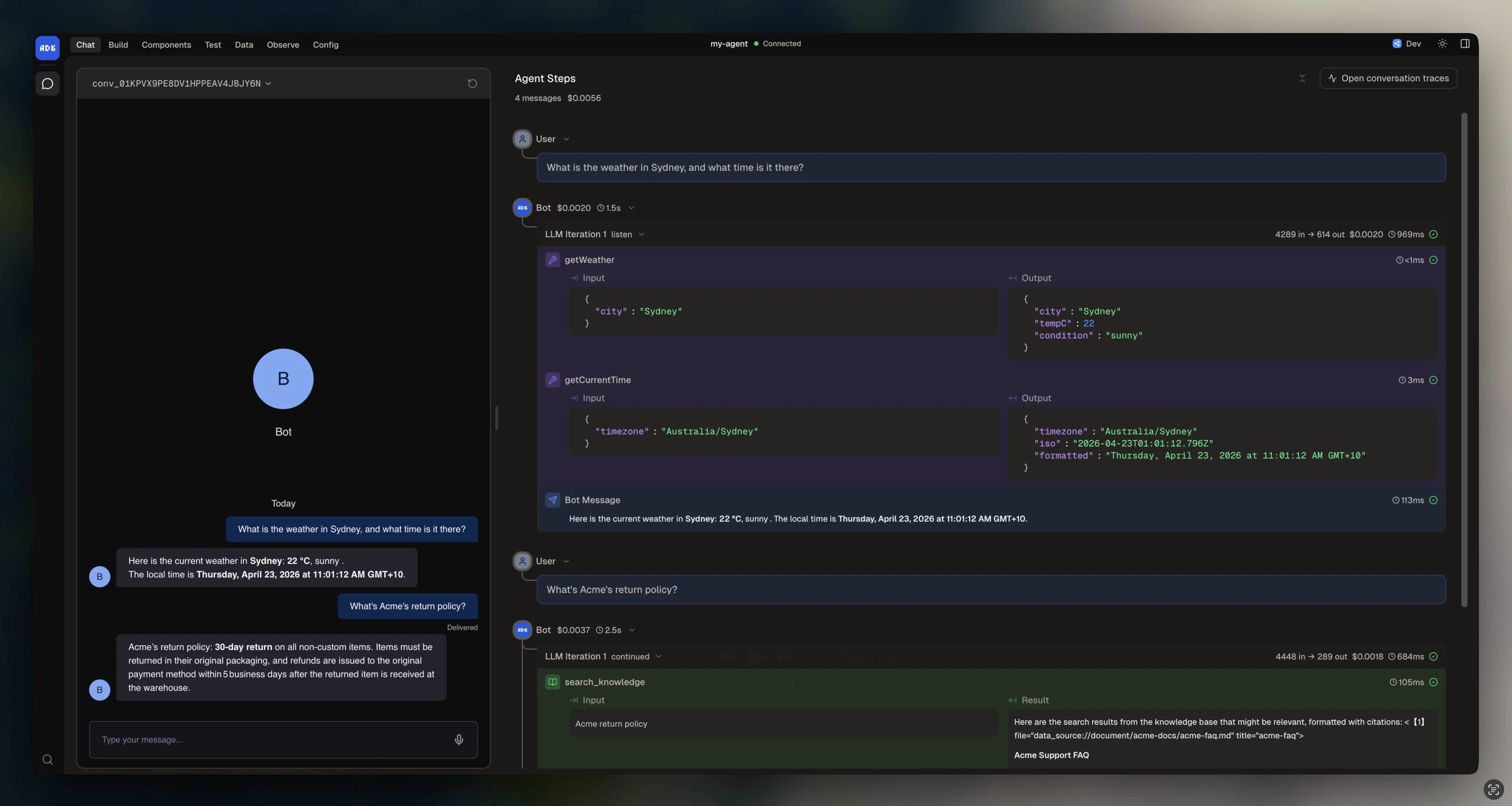
Conversations are how your agent receives and responds to user messages. Each conversation file defines a handler that runs when a message arrives on a matching channel.Documentation Index
Fetch the complete documentation index at: https://botpress-add-desk-to-botpress-docs.mintlify.app/llms.txt
Use this file to discover all available pages before exploring further.
Creating a conversation
Create a file insrc/conversations/ that exports a Conversation:
adk add webchat.
Channel matching
Thechannel field determines which integration channels this conversation handles:
"*", the handler runs for any channel, but message and event are typed as unknown. Specifying a channel gives you strict types on message payloads, event payloads, and the conversation instance:
If multiple conversation files match the same channel, the most specific match wins. A conversation with
channel: "webchat.channel" takes priority over one with channel: "*" for webchat messages.Multiple conversations
You can create separate conversation files for different channels or use cases:Conversation with its own channel, handler, and configuration. The ADK discovers them all automatically.
Handler types
Your handler receives different types of requests. Check thetype field to determine what you’re handling:
"message". The other types become relevant as you add workflows, lifecycle management, and events.
Handler parameters
Every handler type receives these common parameters:| Parameter | Type | Description |
|---|---|---|
type | string | The request type ("message", "event", etc.) |
conversation | object | Conversation instance for sending messages, reading tags |
state | object | Mutable conversation state, auto-persisted |
client | object | Botpress client for API calls (tables, events, etc.) |
execute | function | Run the AI model with instructions, tools, and knowledge |
chat | Chat | Chat instance for transcript management |
channel | string | The channel this request came from |
type is "message", you also get message with the message payload. When type is "event", you get event with the event payload.
Listening to events
By default, conversations only receive messages. To listen to integration events or custom events, add theevents prop:
"integration:eventName" for integration events, or just the event name for custom events defined in agent.config.ts.
Conversation state
Each conversation can declare its own state schema, separate from the bot and user state inagent.config.ts: